Where is this job?
OperationStamp / signatureQuantity
Handwritten updates. Separate spreadsheets. Repeated entry. A trail that takes time to piece together.
CHECK STATUSMANUFACTURING WORKFLOW. WITHOUT THE PAPER.
Replace paper route cards and disconnected shop-floor tracking without replacing your ERP.
Your workers don’t learn our software.
The software learns your factory.
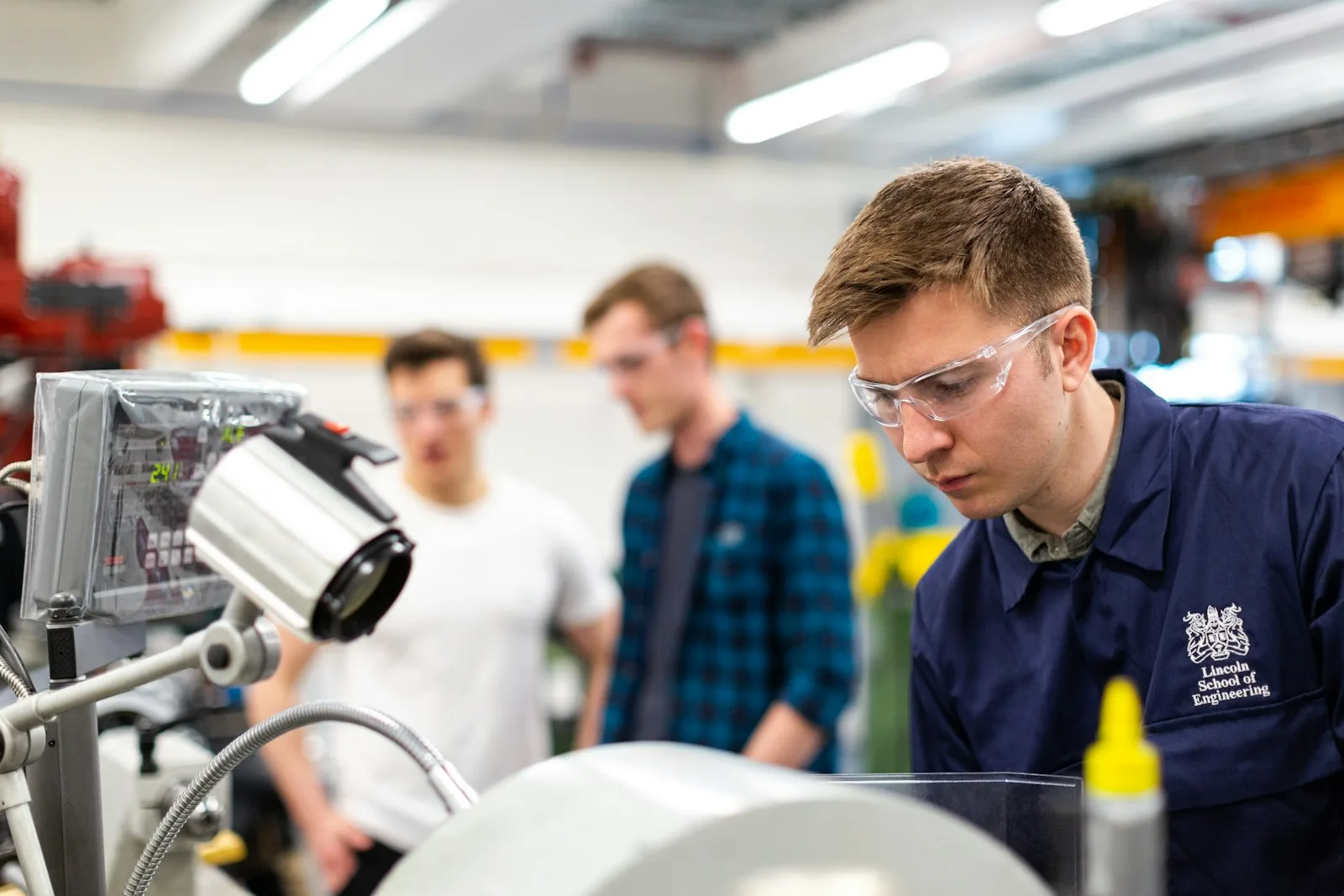
Precision engineering / CNC / Fabrication / Assembly / Finishing
01 / FROM PAPER TO PRODUCTION
A paper traveller tells part of the story. Factory Flow connects the route, worker contributions and quality decisions as work happens.
Handwritten updates. Separate spreadsheets. Repeated entry. A trail that takes time to piece together.
CHECK STATUS02 / ONE FACTORY. DIFFERENT VIEWS.
Admin configures. Worker executes. QC releases. Manager monitors. Auditor verifies.
Define processes, route templates, fields, job profiles and skill-based access. Your factory sets the workflow.
Scan or select a job, see permitted work, start the process and finish your own contribution. Record good and quarantine quantities.
Review final inspection, release part or all of an order, and retain evidence of quarantine and controlled rework.
See active, waiting and completed jobs, priorities and delays. Monitor HOLD, attention requests and intended destinations.
Review the read-only Job Story with operations, contributions, quality decisions, rework and release history.
03 / PRODUCT IN ACTION
An illustrative journey through a configured route. The actual processes and evidence are defined by your factory.
01 / JOB CREATED
Admin creates the job, selects its processes, attaches drawings and assigns the final destination.
04 / THE WORKER EXPERIENCE
The current permitted work. The right drawing. The fields for this process. A clear start and finish.
Each worker records their own contribution, including good and quarantine quantities, without unnecessary coworker information.
Explore the worker workflow ↗Drawings, notes and process-specific fields
05 / QUALITY, WITHOUT LOOSE ENDS
Quarantine, disposition, controlled rework and Final Inspection remain connected to the original job.
Quality & Traceability
Keep affected quantity visible for a controlled quality decision.
Record the disposition of affected parts in the job history.
Track controlled rework alongside the original production record.
Release partially or fully, or WAIT FOR FULL ORDER. Retain release evidence.
06 / MANAGER VISIBILITY
Active, waiting, in progress and completed work. Priority and delay visibility. HOLD workflows and attention requests.
See production visibility ↗See queued work
Follow current production
Review quantity and destination
07 / TRACEABILITY
Who did what. When it happened. What quality decided. What was released.
The Auditor’s read-only Job Story brings operations, contributions, quality, rework, documents and release history together.
Explore Job Story ↗Part, quantity, documents and configured operation sequence.
Employee identity, process, time, good quantity and quarantine quantity.
Disposition and R01 / R02 controlled rework history.
Partial or full release, evidence and final destination.
The immutable release-label snapshot and audited reprints.
08 / YOUR PROCESSES, YOUR RULES
Define processes, routes, fields and skill-based access. Factory Flow adapts to the workflow your factory uses.
Build the manufacturing sequence your jobs actually follow.
Configure text, numbers, quantities, decisions, documents and evidence for each process.
Assign permitted work based on employee skills and configured roles.
Reuse job setup and make controlled changes to the route as production needs evolve.
09 / LABEL DESIGNER + FINAL DESTINATION
Design release labels with text, dynamic fields, logos, shapes, Code 128, Code 39 and QR. Set dimensions in millimetres and arrange elements with layers and undo/redo.
Select the destination when creating a job. It is visible at Final Inspection and appears on the release label when included in the template.
“When this job is finished, where should it go?”
Explore labels & destinations ↗JOB NUMBER / PART NUMBER
FF-1024 / P-208Illustrative barcode — not for scanningLabel concept · replace with an actual Label Designer screenshot
10 / ALONGSIDE YOUR ERP
Your ERP handles the wider business. Factory Flow focuses on the route through the shop floor, quality and traceability.
ERP-specific connections require separate scoping; no prebuilt integration is implied.11 / LOCAL BY DESIGN
Runs on your factory’s Windows PC or server. PCs, tablets and phones connect across LAN/Wi-Fi. Production operation does not require public internet.
Understand on-premise deployment ↗Within your factory’s LAN / Wi-Fi